Data Warehouse in Microsoft Fabric: Powering the Next Generation of Unified Analytics


Compared to services like Synapse Analytics or Databricks, it provides a smoother, more intuitive transition to the cloud, enabling developers to build, query, and manage scalable data warehouses with greater speed, confidence, and productivity.
Accelerate Analytics & Reduce Latency Issues with DirectLake-Enabled Data Warehousing in Microsoft Fabric

“Fabric Data Warehouse data, like all Fabric data, is stored in Delta tables, which are Parquet data files with a file-based transaction log. Built on the Fabric open data format, a warehouse allows sharing and collaboration between data engineers and business users without compromising security or governance.”– Microsoft
Redefining the Data Warehouse Experience with Microsoft Fabric
Users can store and retrieve data in the Lakehouse using the fully managed, scalable, and available Data Warehouse in Microsoft Fabric. Warehouse in Fabric combines warehouses and data lakes to reduce the investment needed for an organization’s analytical infrastructure.
- It offers an easy-to-use SaaS experience that effortlessly interacts with Power BI, a potent Business Intelligence tool, enabling uncomplicated analysis and reporting.
- With a data warehouse, users may utilize T-SQL commands and the Fabric portal to build tables, load, transform, and query data. They can choose to use Spark for data processing and machine learning model construction, or they can use SQL for data querying and analysis.
Data engineers and analysts work together in a cohesive environment within Fabric’s data warehouses. To enable analysts to use T-SQL and Power BI for in-depth data investigation, data engineers develop a structured layer (relational layer) over the Lakehouse.
Building and Scheduling Data Pipelines in Microsoft Fabric
Building pipelines in Azure Data Factory is comparable to building pipelines in Microsoft Fabric. One change is that, rather than relying on integration datasets and related services, it is now possible to connect to items directly in the warehouse. The stored procedure that loads every table in our data warehouse is executed and scheduled using a Data Pipeline in Microsoft Fabric.
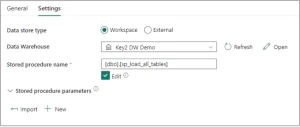
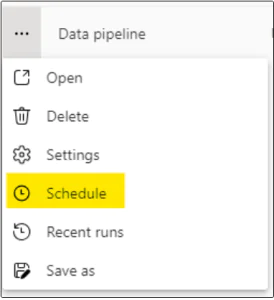
A pipeline can be scheduled in two separate ways:
1. Select the calendar icon within the pipeline to configure scheduling options.

2. Click the ellipsis (⋯) on the pipeline and choose “Schedule” to set up or modify the execution schedule.
The run history is shown in the Monitoring Hub when the schedule has been established. All the Data Warehouse tables were loaded by the pipeline using a stored procedure, which took two to four minutes to complete.
Transforming Data Management: Building a Data Warehouse in Microsoft Fabric
Users must first enable Fabric and then visit the Fabric site to create a warehouse. Three distinct methods exist for building a warehouse:
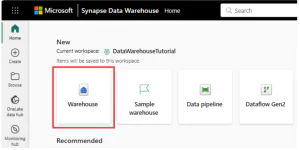
1. Home Hub
By selecting the Warehouse card under the New section, users can create the warehouse from the Home hub. After choosing, a blank warehouse will be created so they may start making objects in it. Depending on the preferences, users can load their own test data or use sample data to get started quickly.
2. Create Hub
By selecting the Warehouse card with the Data Warehousing section, users may create the warehouse via the Create hub. Upon selection, an empty warehouse will be created, enabling them to start utilizing a sample or building objects in the warehouse.
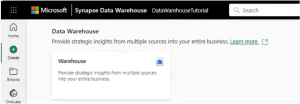
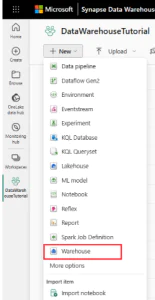
3. Workspace List View
Go to the workspace, select the + New option, and then choose Warehouse to build a warehouse using the workspace list view. Start adding data into the warehouse as soon as it has been created.
How Fabric Data Warehouse Accelerates AI Transformation in Companies
There are numerous benefits to an organization when it integrates Fabric Data Warehouse with AI operations.
- Process Optimization: The most effective business procedures are found and automated using AI.
- Service Personalization: AI generates personalized customer offers using information from the data warehouse.
- Automation of Analyses: Routine analyses are automated by AI, freeing up time for strategic work.
Steps to Build a Data Warehouse in Microsoft Fabric
Follow these five essential steps to create a Data Warehouse in Microsoft Fabric, guiding through defining objectives, setting up Azure, building the warehouse, loading data, and ensuring security.
- Define Clear Data Warehouse Objectives
Having a clear understanding of your goals is essential before using any product. A specialized structure that makes insights easily available is made possible by having a thorough understanding of your company’s data requirements, including the type of data, volume, and performance objectives.
- Set Up & Configure the Azure Environment
If you don’t already have one, create an Azure account and install the required software, such as Azure Data Lake Storage and Azure Databricks, which will connect to your Fabric Data Warehouse. The resource templates offered by Azure help expedite this process.
- Build the Azure Data Warehouse Architecture
Create your Fabric Data Warehouse using the Azure portal or tools that work with it. Here, you can choose the servers, databases, and other components. Based on your spending habits and financial constraints, weigh the scale and select between solutions like Provisioned and On-Demand.
- Load & Integrate Data into the Warehouse
To import data into your warehouse, use several Azure services. Azure Data Factory for ETL procedures, native Azure services for direct loading, and third-party connections for ensuring smooth data ingestion are among the options.
- Implement Robust Security & Compliance Controls
Create a thorough data security plan that includes encryption, role-based access limits, and monitoring. To protect the integrity and privacy of your data, make sure you abide by industry rules and best practices.
Reduce SQL Server Cloud Migration Complexity with Familiar T-SQL And Centralized OneLake Storage
Core Components of Microsoft Fabric: Where Data, Analytics, and AI Converge
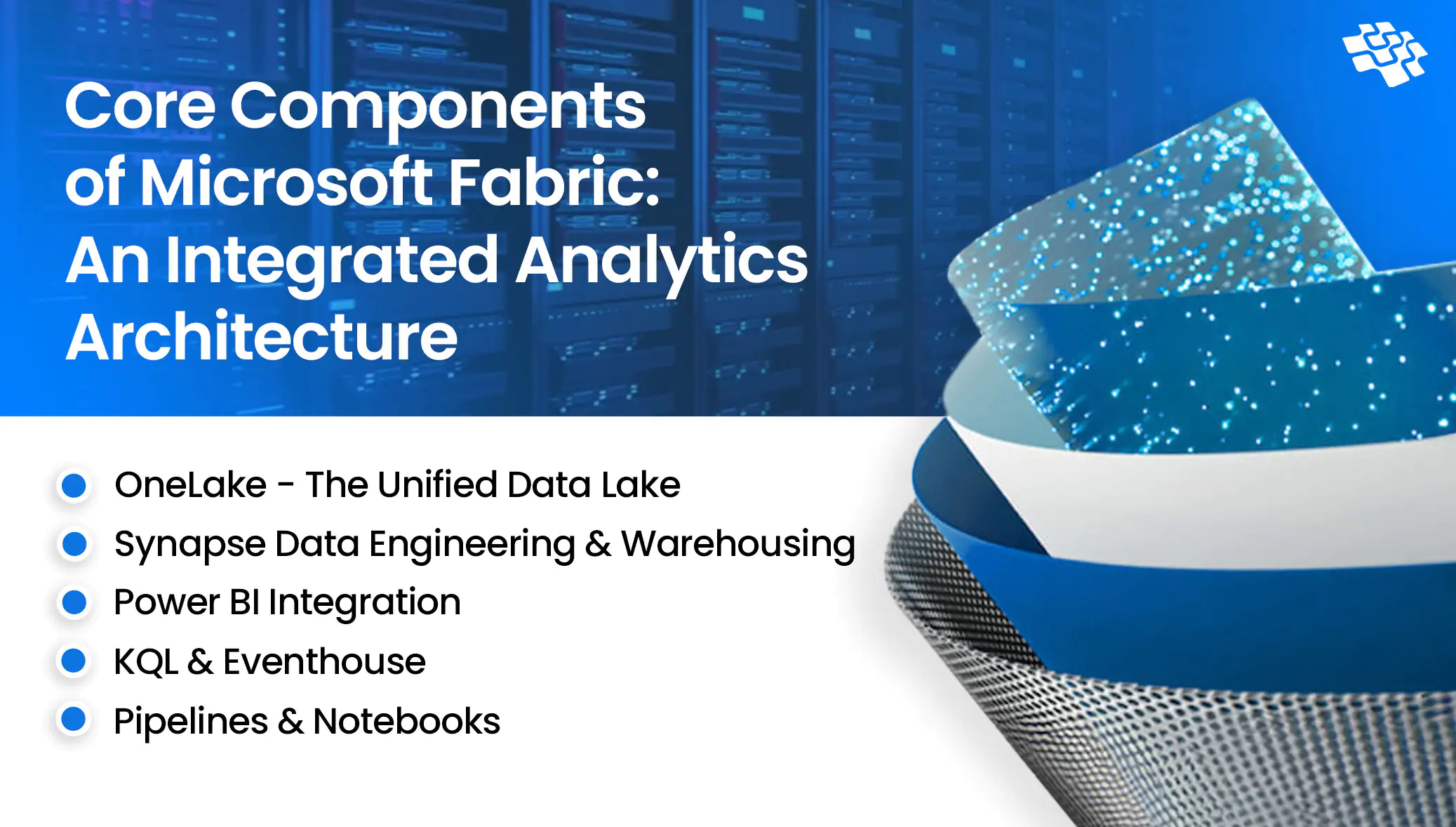
Consider Fabric as a single, cohesive data platform where each component serves a distinct function and is smoothly integrated to speed up data-driven decision-making. Below is a summary of the fundamental components you will come across in this series:
 1. OneLake – Unified Data Lake
 1. OneLake – Unified Data Lake
Think of OneLake as a unified “OneDrive for data”—a centralized, easily accessible repository where all your organizational data resides seamlessly. It forms the backbone of Microsoft Fabric, enabling unified analytics, collaboration, and efficient data management across the enterprise.
- Eliminates Duplication: Data integrity is maintained, and redundancies are eliminated when there is a single source of truth.
- Integrated with Azure Data Lake Storage Gen2: Integrates with your current Azure environment seamlessly and without any migration issues.
- Centralized Storage: No more silos of disparate data. Everything is consolidated in one location by OneLake.
2. Synapse Data Engineering & Warehousing
In modern enterprises, data engineering and warehousing go beyond operational tasks; they’re strategic advantages. Microsoft Fabric combines Synapse Data Engineering and Synapse Data Warehousing, delivering a robust, scalable, and flexible backend that powers unified analytics and smarter decision-making.
- SQL-Based Warehousing: Easily perform complex analysis on petabytes of organized data.
- Unified Governance: Compliance, security, and data access are all handled centrally.
- Spark Notebooks: Use Python, R, or Scala to do complex data transformations by utilizing distributed computing.
3. Power BI Integration
With its deep connection with the whole Fabric ecosystem and enhanced AI capabilities, Power BI within Fabric is more than simply your typical business intelligence tool. Without having to worry about complicated ETL procedures or data movement, users can simply connect to any data source within the platform, produce eye-catching visualizations, and share insights around the company.
Power BI in Fabric is unique because it can work directly with OneLake data without requiring data movement or copies. This eliminates the need for complicated refresh schedules or data synchronization procedures because reports and dashboards are always using the most recent data.
This is further enhanced by the interface with Copilot, which enables business users to develop automatic insights, generate reports using natural language prompts, and even perform intricate DAX calculations without requiring much technical knowledge.
4. KQL & Eventhouse
For real-time, ad hoc analytics, Kusto Query Language (KQL) is the preferred choice, particularly when dealing with event, log, or telemetry data.
Fabric’s custom engine for KQL workloads, Eventhouse, is intended for high-performance analytics at scale. When combined, they enable scalable, quick insight production from streaming datasets.
5. Pipelines & Notebooks
With Fabric, pipelines enable you to plan the flow of data and changes throughout your environment. Pipelines provide complete control and automation, whether you’re creating notebooks, starting workflows, or transferring data from external sources. They are crucial for managing dependencies and scheduling tasks in actual data systems.
In Fabric, code comes to life in notebooks. You can write and execute markdown, SQL, or PySpark in these interactive settings with a smooth user interface. Notebooks are excellent for data exploration, modeling, and transformation. They work well with Lakehouses and facilitate multilingual development in a group setting.
Strengthen Data Governance & Regulatory Compliance Through Secure, Centralized Data Warehouse Architecture
The Future of Data Warehousing and the Rise of Delta Lake
Modern analytics platforms heavily rely on data warehouses and formats like Delta Lake, which combine the flexibility of data lakes with the features of classic data warehouses. Organizations can effectively handle enormous volumes of data while assuring their integrity, scalability, and real-time availability with the help of such technologies.
Data warehouses are heading toward a Lakehouse architecture that merges the advantages of warehouses and lakes. Data management is made possible via the Delta Lake format’s “time travel” capability, which permits access to earlier iterations of the data, ACID transactions, and schema enforcement. Delta Lake is becoming a staple in contemporary analytics systems since it supports both streaming and batch processing.
- When compared to the conventional Parquet format, query performance is 1.7 times better using the Delta Lake format.
- Due to the need for real-time analytics and IoT data processing, the data warehouse market is expected to develop at a CAGR of 16.6% to reach USD 69.64 billion by 2029.
The increasing need for quick, scalable, and trustworthy analytical solutions is closely related to the future of data warehousing and Delta Lake. The digital transformation of companies in the global economy is based on investments in these technologies.
Real-World Applications & Use Cases of Data Warehouse in Microsoft Fabric
1. Healthcare
Fabric was used by a hospital network to examine population health patterns among various institutions and patient groups. The platform imports information into OneLake from public health databases, claims systems, and electronic medical records.
With the help of Fabric’s integrated governance controls, data engineers can ensure HIPAA compliance while cleaning and standardizing healthcare data from various sources using Spark notebooks. Predictive models for patient risk assessment and care management are developed by data science tasks.
Power BI reports are used by administrators and clinicians to monitor quality metrics, identify high-risk patient groups, and allocate resources as efficiently as possible. Without requiring technological know-how, data agents enable medical professionals to inquire about population health trends, treatment efficacy, and patient outcomes.
Check Our Case Study: Healthcare Data Warehouse & Business Analysis
2. Manufacturing
Microsoft Fabric was used by a multinational manufacturing corporation to aggregate data from hundreds of production lines spread across several locations. They transmit sensor data from machines into Eventstreams, which automatically identify anomalies and forecast maintenance requirements, using Real-Time Intelligence.
By analyzing sensor data and previous maintenance logs, the Data Science workload creates predictive models that can foretell equipment problems weeks in advance. Maintenance staff may plan preventative maintenance during scheduled downtime by viewing these insights in Power BI dashboards on mobile devices.
Without having to comprehend the underlying machine learning models or data structures, data agents enable plant managers to ask questions like “Which machines are most likely to fail in the next month?” and get comprehensive insights.
Check Our Case Study: Accelerating Valuation Through AI-Enabled New Product Strategy for a Manufacturing AI and Data Platform
What’s Next: Embark on Your Data Analytics Journey with NextGen Invent
Data is stored in OneLake using the high-performance structured database system known as Microsoft Fabric Data Warehouse, or Warehouse. High performance with a lot of processing power will be possible behind the scenes because of Microsoft Fabric Warehouse. You are not aware of the challenges associated with scaling up and down. All you see is a model that works well. Data Pipeline, Dataflows Gen2, or SQL commands can be used to load data into the warehouse, while tools like Power BI and SQL endpoint query instructions can be used to access the data. The Warehouse will be linked to a Power BI dataset that is editable online.
NextGen Invent partners with organizations at every stage of their data and analytics journey, from initial discovery and strategy to implementation, optimization, and ongoing managed services. Our team of certified Data & Analytics professionals works closely with you to design a tailored roadmap that aligns seamlessly with your business objectives and IT strategy. As an enterprise AI software development company, we guide enterprises across the full lifecycle of data warehouse initiatives, including readiness assessments, migration, optimization, and enablement through targeted training.
Together, we accelerate your digital transformation by delivering data and analytics solutions that are secure, reliable, cost-efficient, and built to scale. By applying industry best practices such as Infrastructure as Code (IaC) and medallion architecture, we ensure enterprise-grade governance and performance. From integrating AI-driven applications to unifying diverse data sources within OneLake, NextGen Invent delivers the expertise needed for a smooth, high-impact Microsoft Fabric implementation.
Frequently Asked Questions About Data Warehouse in Microsoft Fabric

“The Data Warehouse in Microsoft Fabric represents a fundamental shift toward unified analytics, bringing data, AI, and intelligence together on a single platform. By eliminating silos and simplifying complexity, organizations can move faster, make smarter decisions, and unlock scalable, enterprise-wide insights with confidence.”
Nitin Kumar

AVP, Data Science
Related Blogs
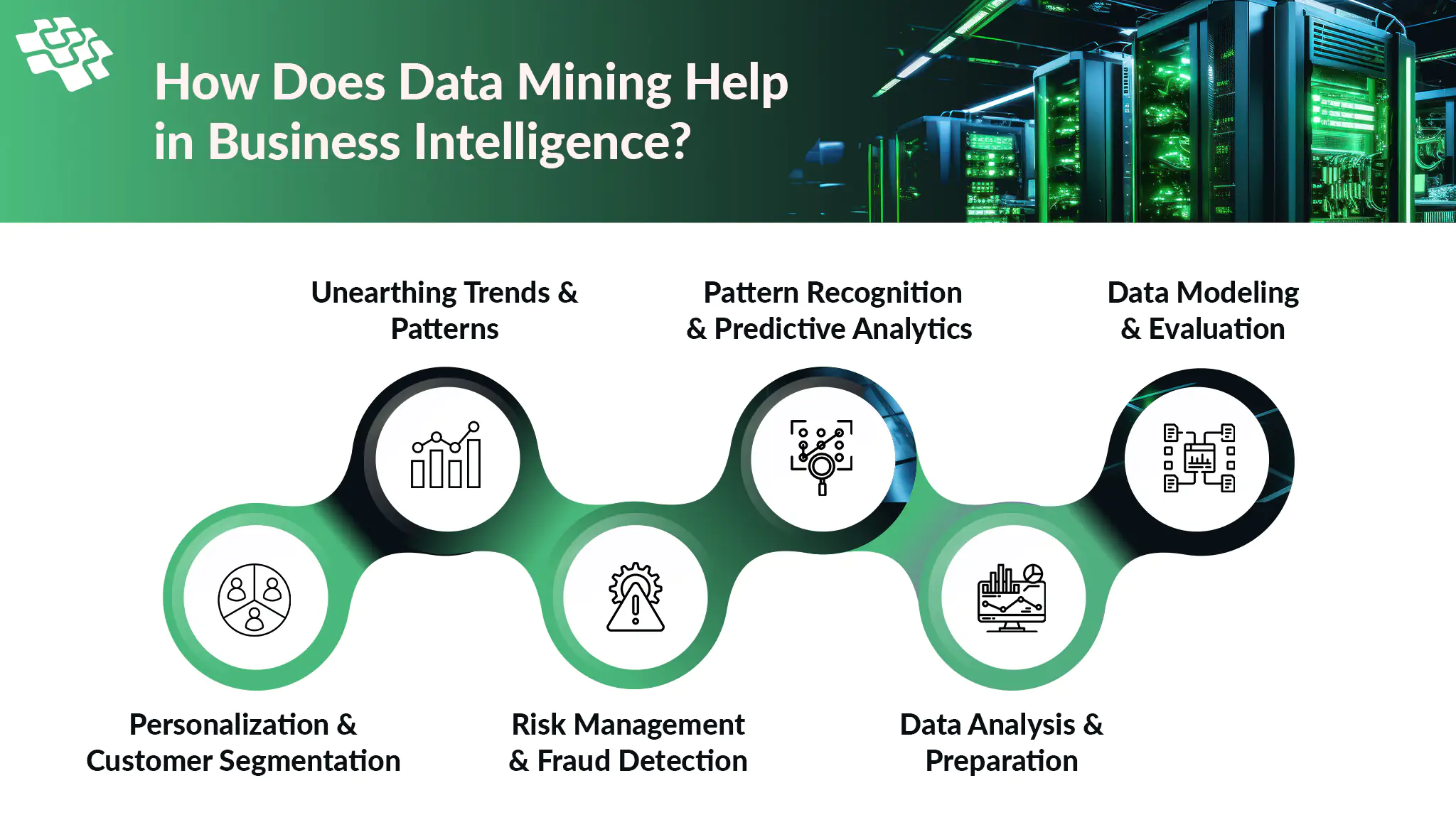
Data Mining for Business Intelligence: How Can It Help?
One of the most essential abilities for business success nowadays is the ability to derive significant insights from large amounts of data through data-driven initiatives. Fundamentally, data mining is more than just a trendy term in IT.
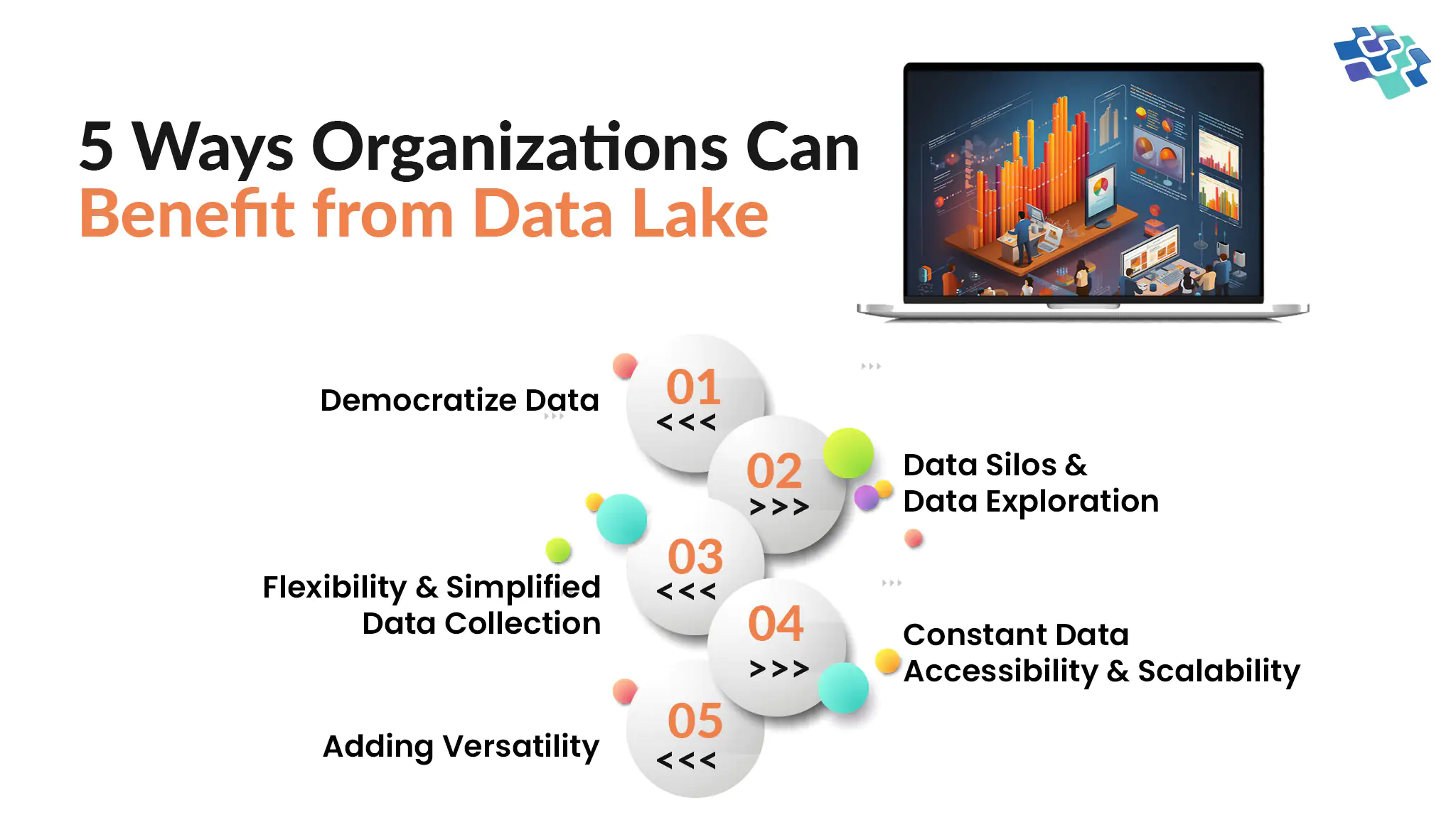
Benefits of Data Lake: Why Does Your Business Need Data Lake?
In the current world where big data is a primary resource for research and commercial decision-making, a data lake is a repository that is already considered essential.
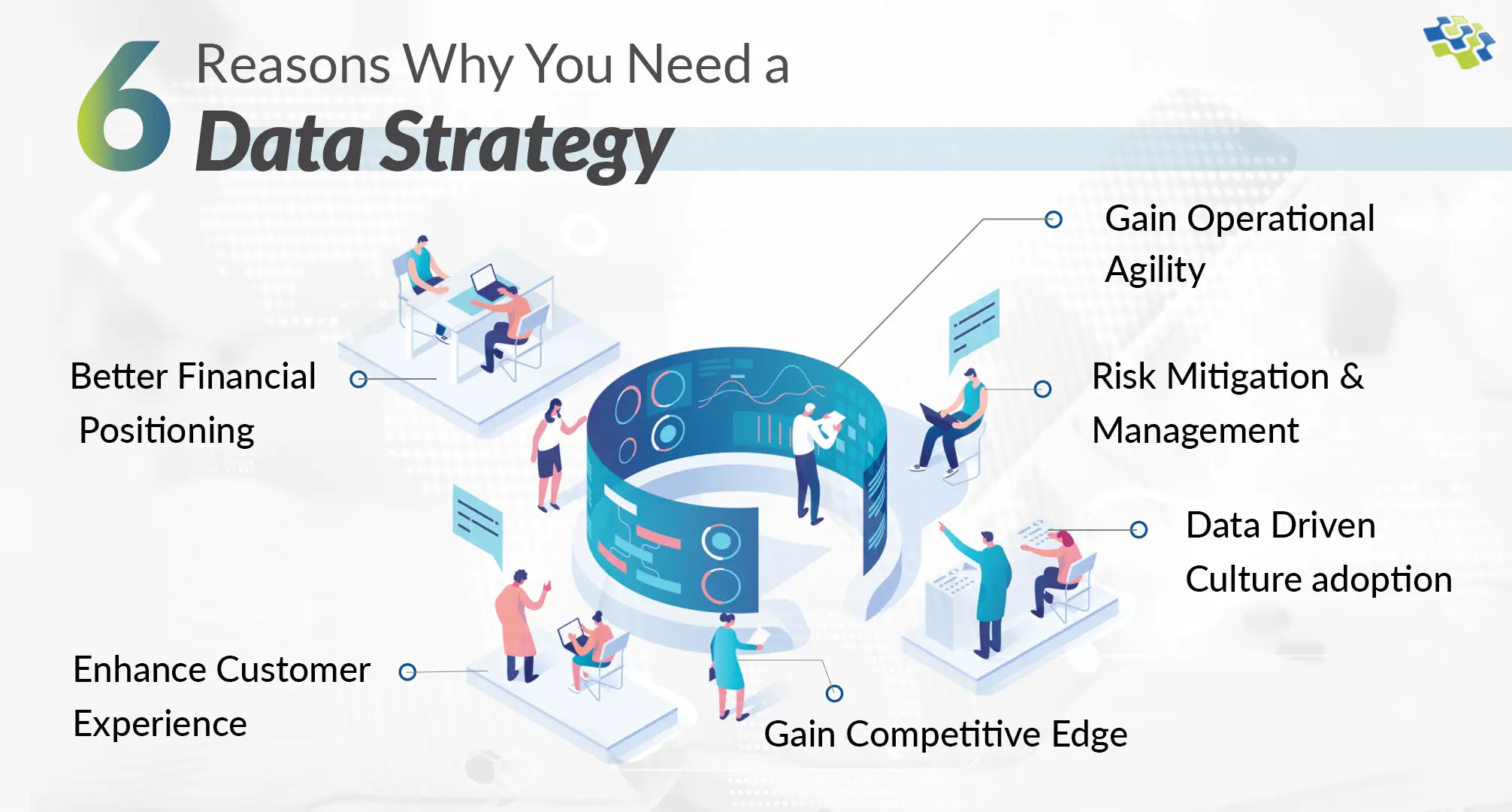
Why Businesses Need a Powerful Data Strategy? 6 Ultimate Reasons
According to McKinsey & Company, optimized data and analytics utilization can amplify profitability by up to 60%. To harness this potential, businesses must formulate a pragmatic data strategy.
Stay In the Know
Get Latest updates and industry insights every month.